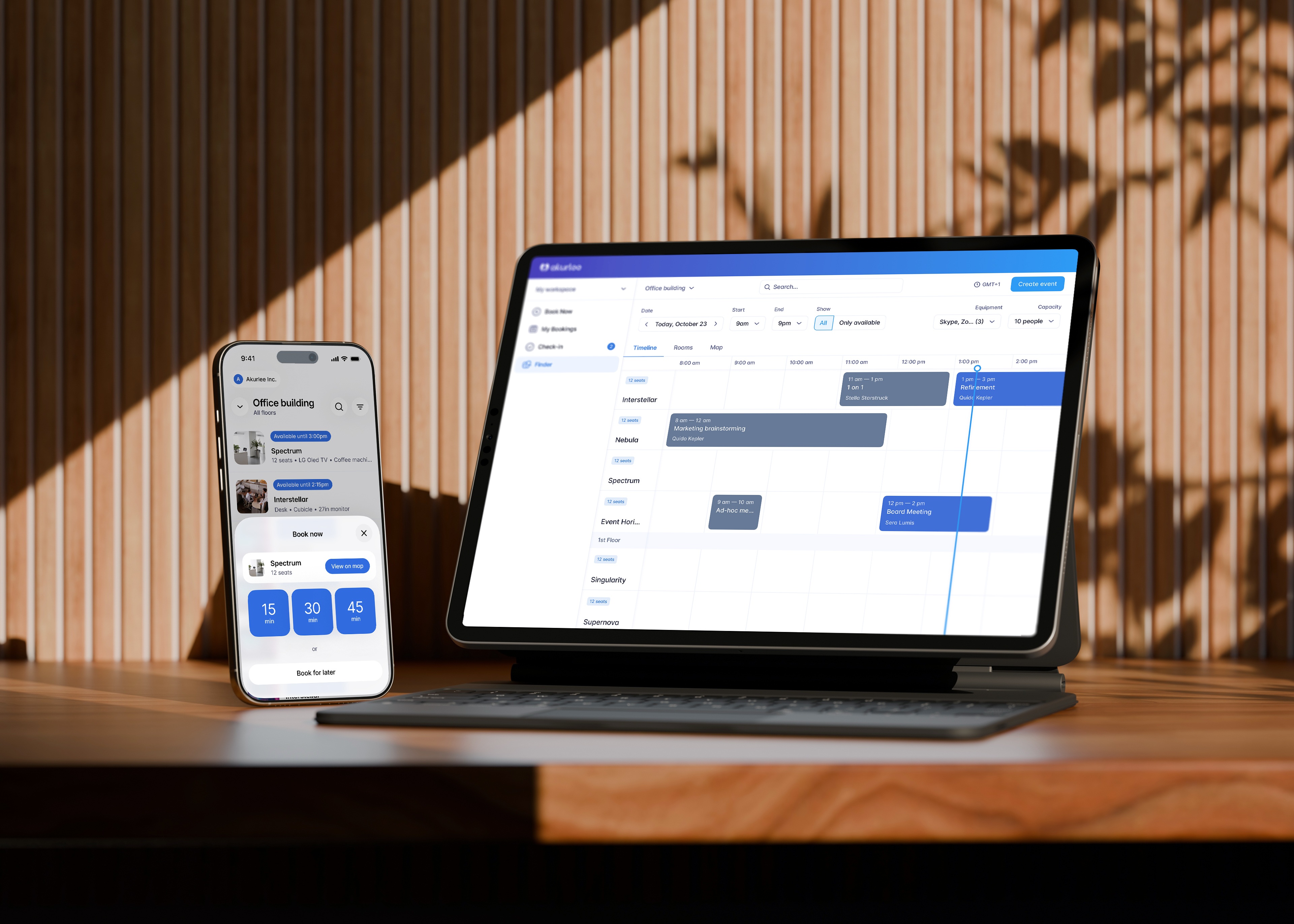
Booking your workspace or parking spot can be quick and simple if you know how. The key is to be able to make (or reschedule) your booking from anywhere. Here are 5 simple tips on where and how to manage your bookings with Akurlee.
Quick and efficient ways to manage a booking
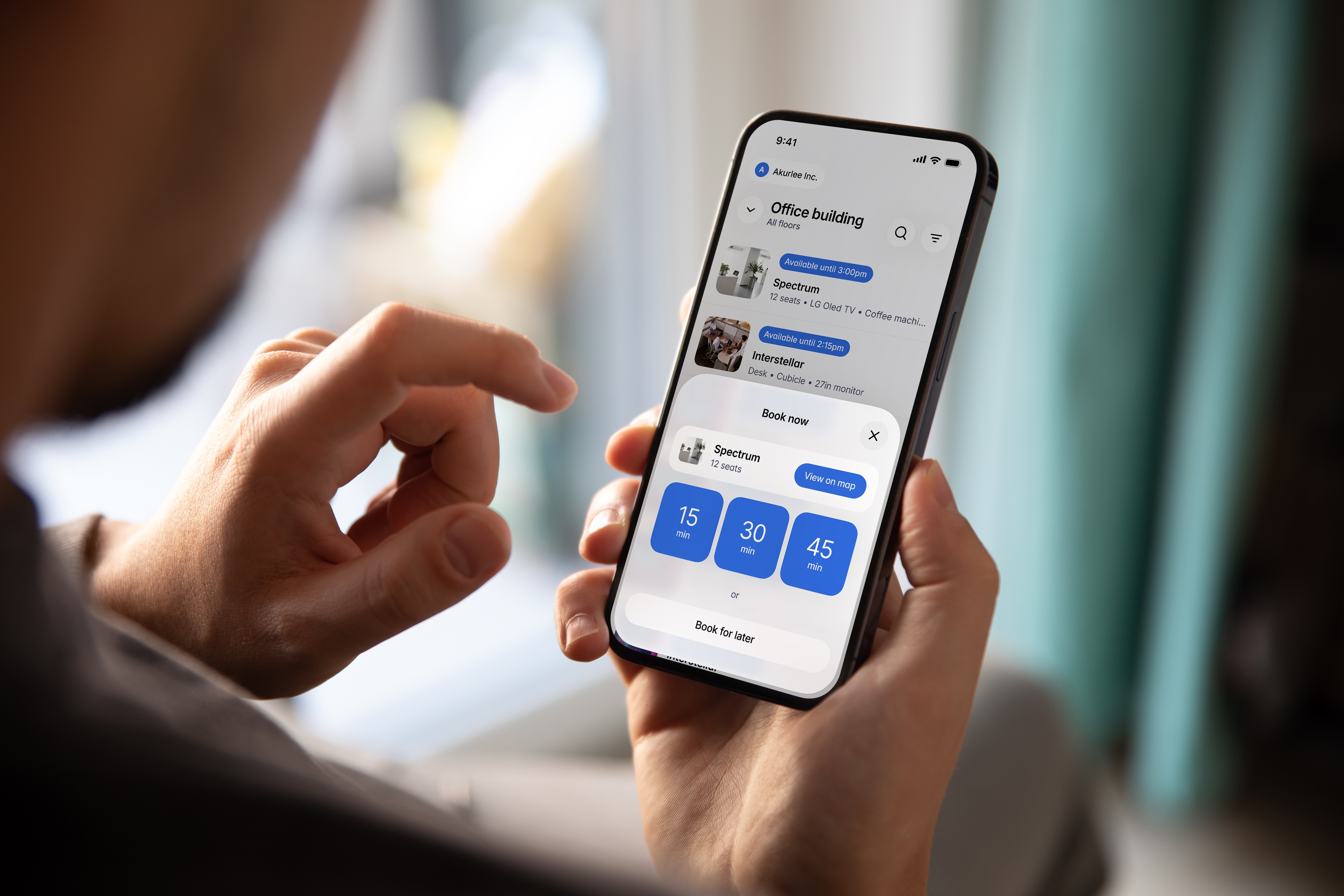
Mobile app
Two taps on your mobile screen is all it takes to book a meeting room, a desk or another resource. But the Akurlee – Workplace mobile app does much more than that. The app allows you to make reservations, plan your agenda long in advance, check your calendar, or check in to upcoming events. Plus, thanks to the smart search bar, finding the right space is completely effortless.
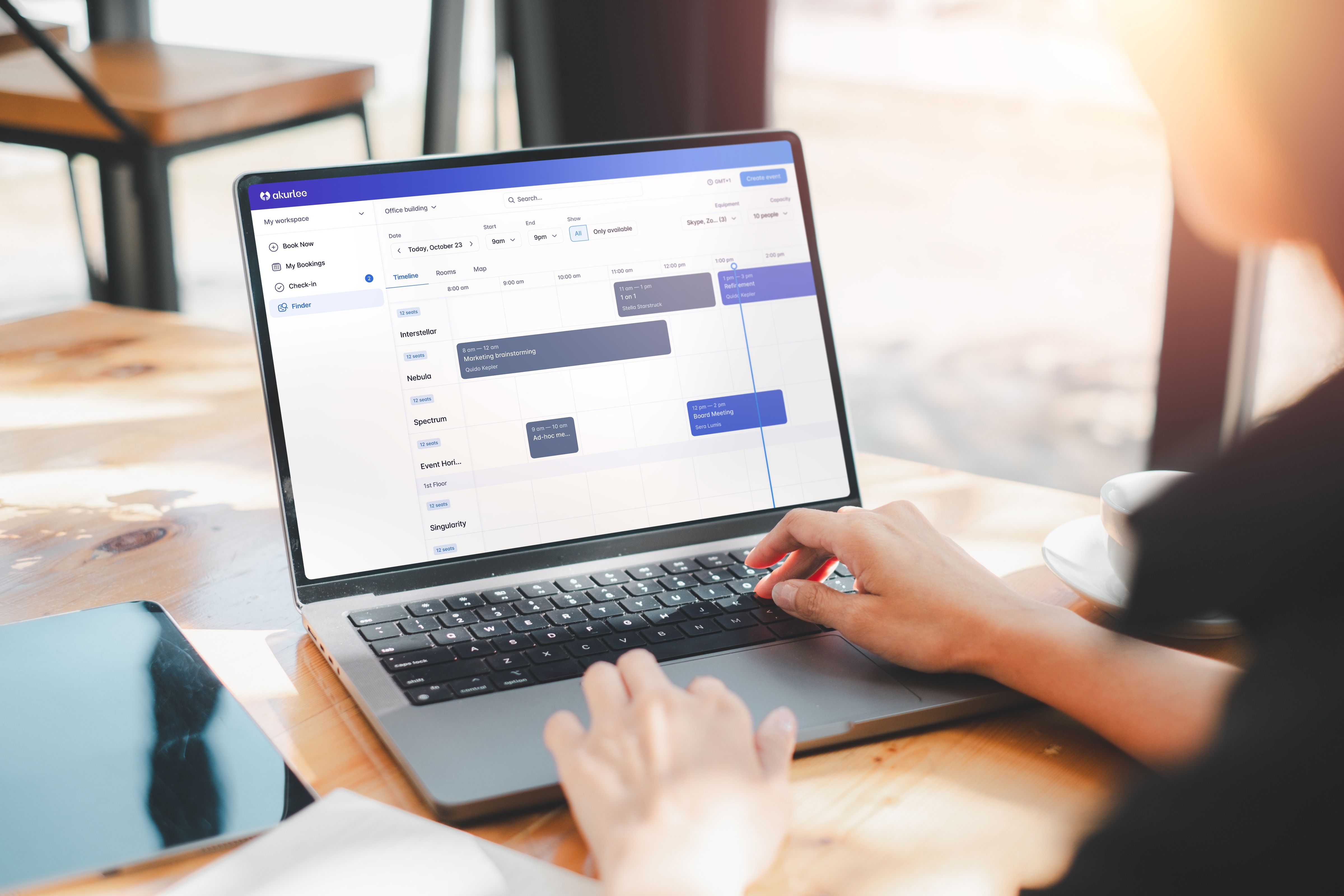
Desktop or laptop
Easy as one-two-three: turn on your computer, sign in to Akurlee, and start planning your workday right away. You can make a quick reservation using the Book now feature, or use Finder to search for suitable resources.
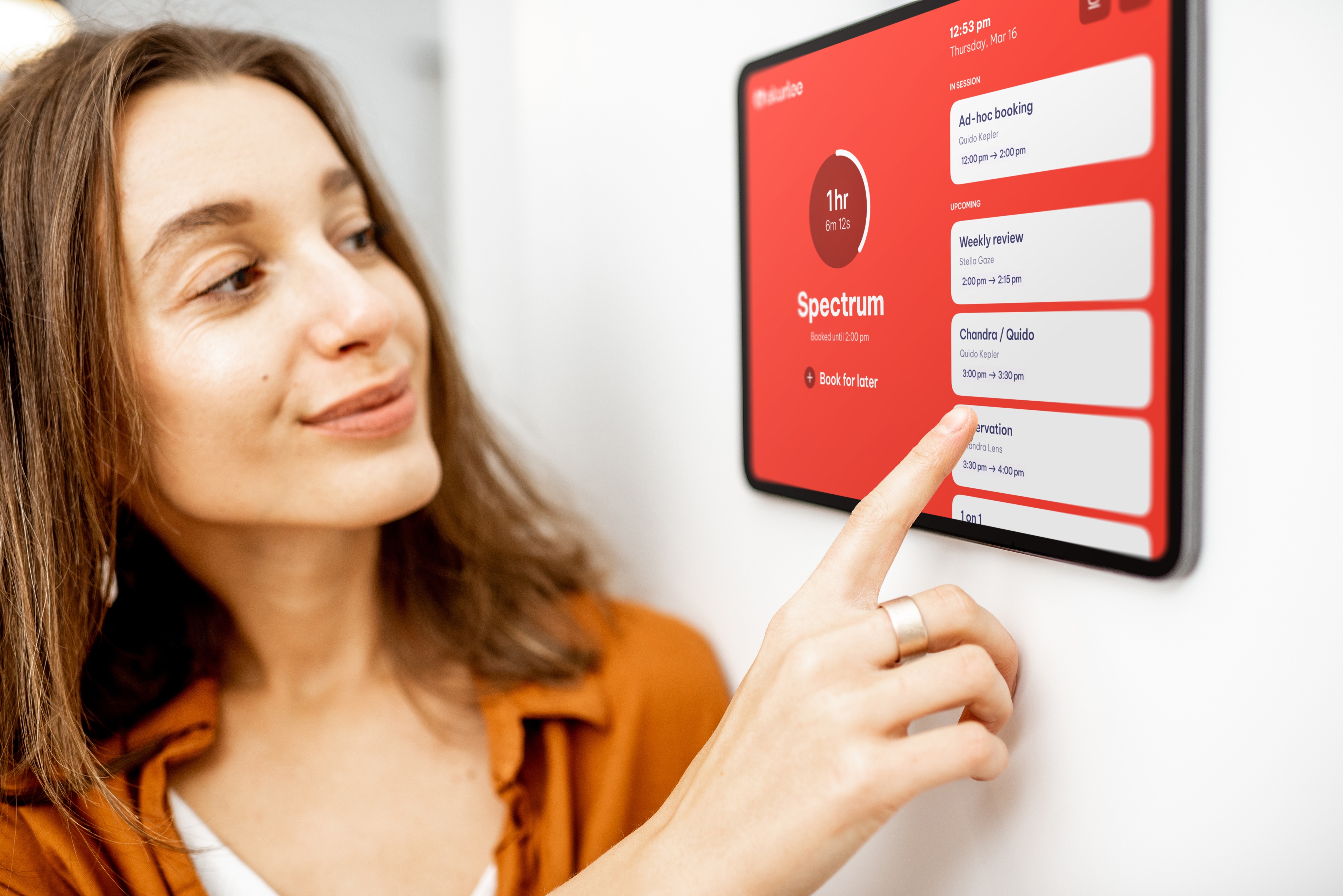
Meeting room display
The display outside the meeting room can do much more than just indicate whether the room is available or in use. You can use it to book the room for the next couple of minutes, or to schedule a meeting for later directly from the display. Is the room occupied but you need a space for a meeting now? Forget running around in search of an available room and book one in the same building from the very same tablet instead.
More booking options
Calendar apps
Do you prefer using Outlook or Google Calendar to the app? Then simply continue scheduling events from your calendar. You can manage your bookings as usual, in the calendar you like to use, whether you’re working on your desktop or mobile phone.
QR code
Another way to make a booking is by scanning a QR code. The QR code will direct you either to the Book now feature or to Finder, depending on your workspace settings. That way, you can book the space in the blink of an eye, with no need to look any further.
TOP 5 Benefits of a meeting room booking system for your company
Modern technologies are transforming company space worldwide. And no wonder. They help companies grow and develop. They change the approach to how we use company resources. They offer unbelievable work options. Let’s have a look at how technologies can efficiently work for you and your company.
Letsgood.com s.r.o. is changing its name to akurlee s.r.o. and at the same time changing its registered office and shipping address effective July 19, 2023.
Our company is undergoing a rebranding! Say goodbye to Letsgood and get ready to say hello to our fresh new identity, Akurlee. This transformation represents a significant milestone as we embrace our commitment to innovation, customer satisfaction, and our vision for the future connected with our successful software product MeetingRoomApp.
This website uses cookies to ensure you get the best experience on our website.
By clicking Allow All, you agree to the storing of cookies on your device to enhance site navigation, analyze site usage, and assist in our marketing efforts.